Finding the shape inside the pixels.
Connected Components
Treat a grayscale image as a graph. Traverse neighboring pixels to discover connected regions.
- C++
- Image processing
- Breadth-first search
- PGM
- STL
Public source
Where one shape ends,
another begins.
Ten photographic inputs. Thirteen thresholds each. Watch the original stay in place as the C++ extractor finds different connected regions, then move to the next study.
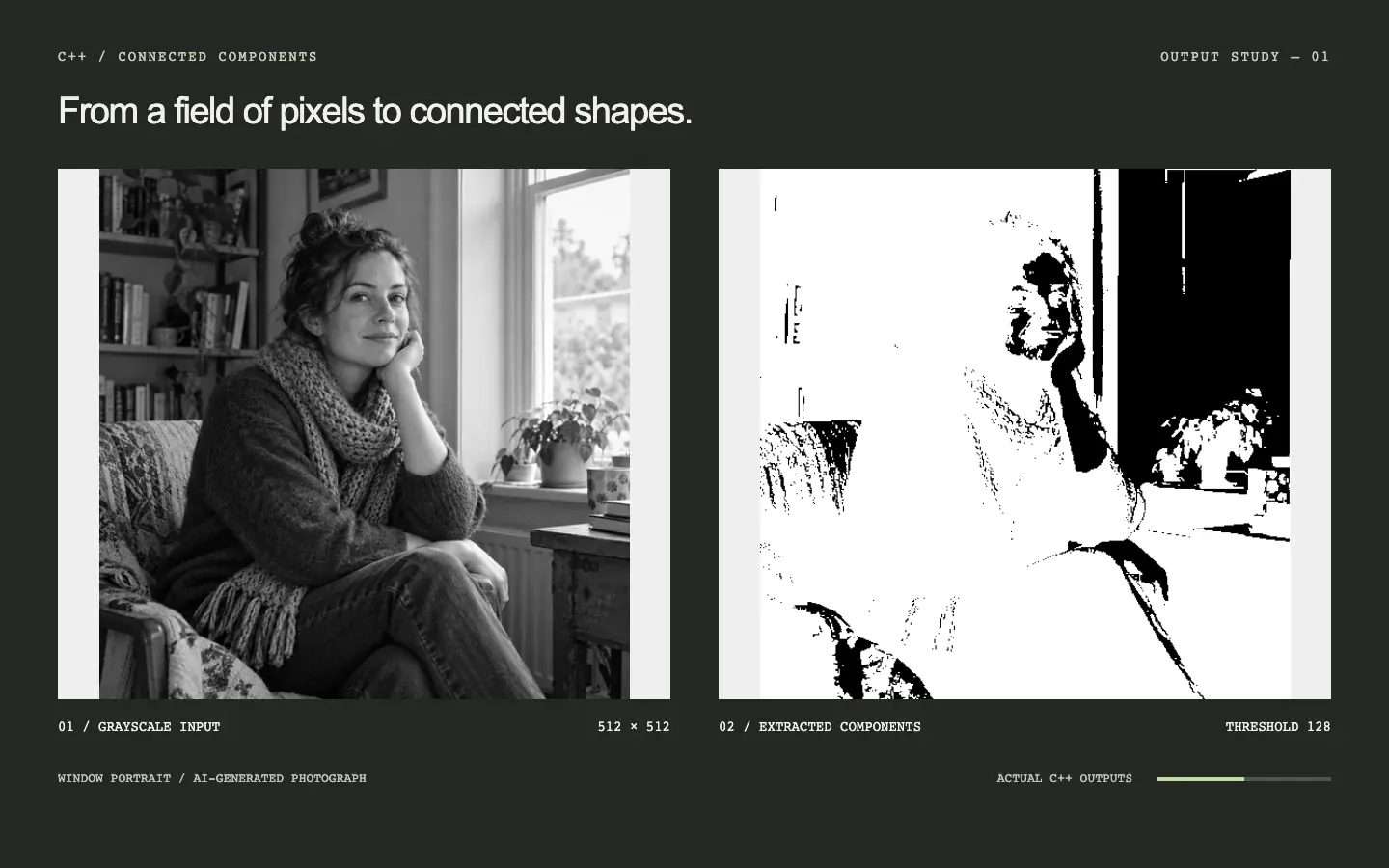
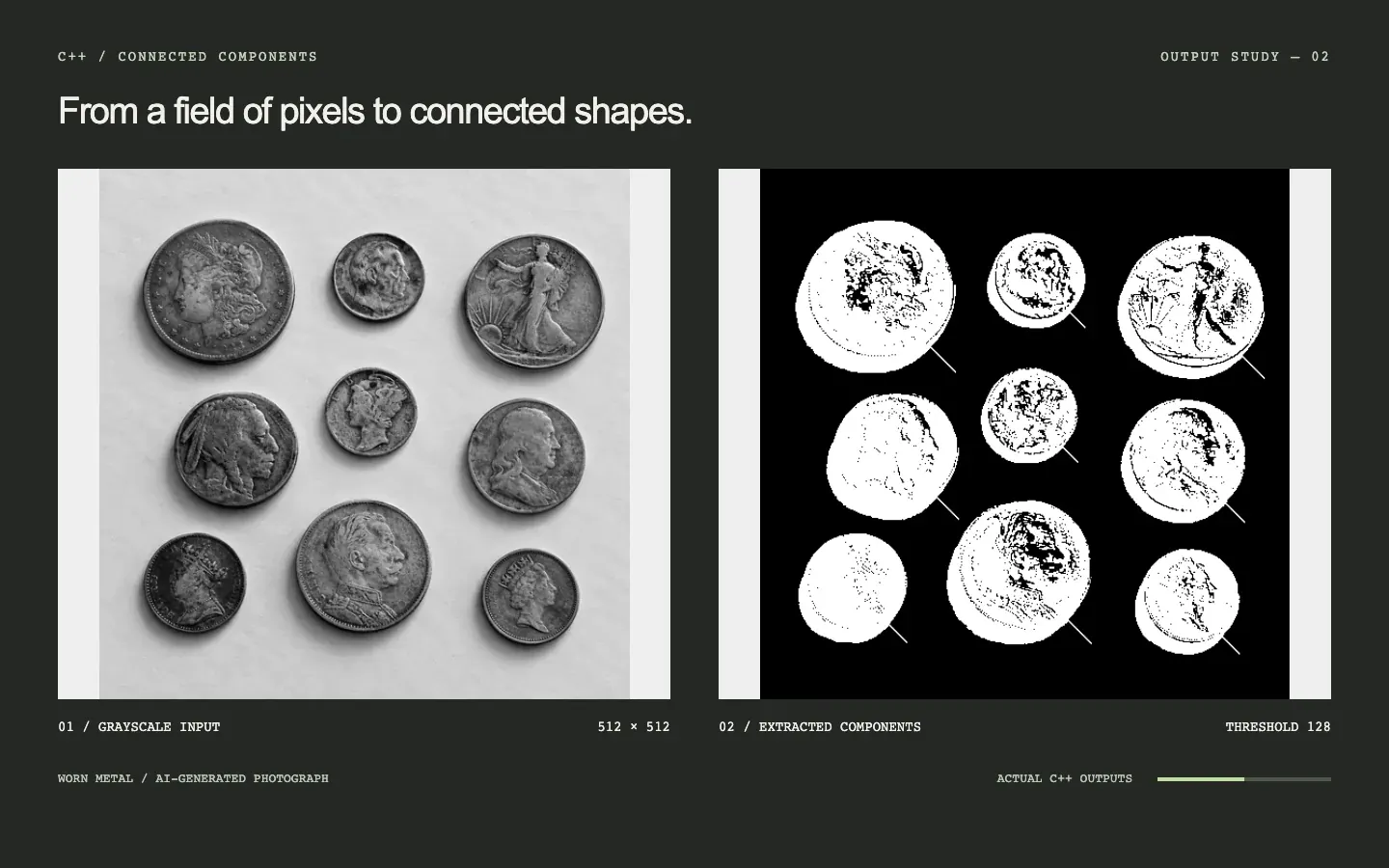
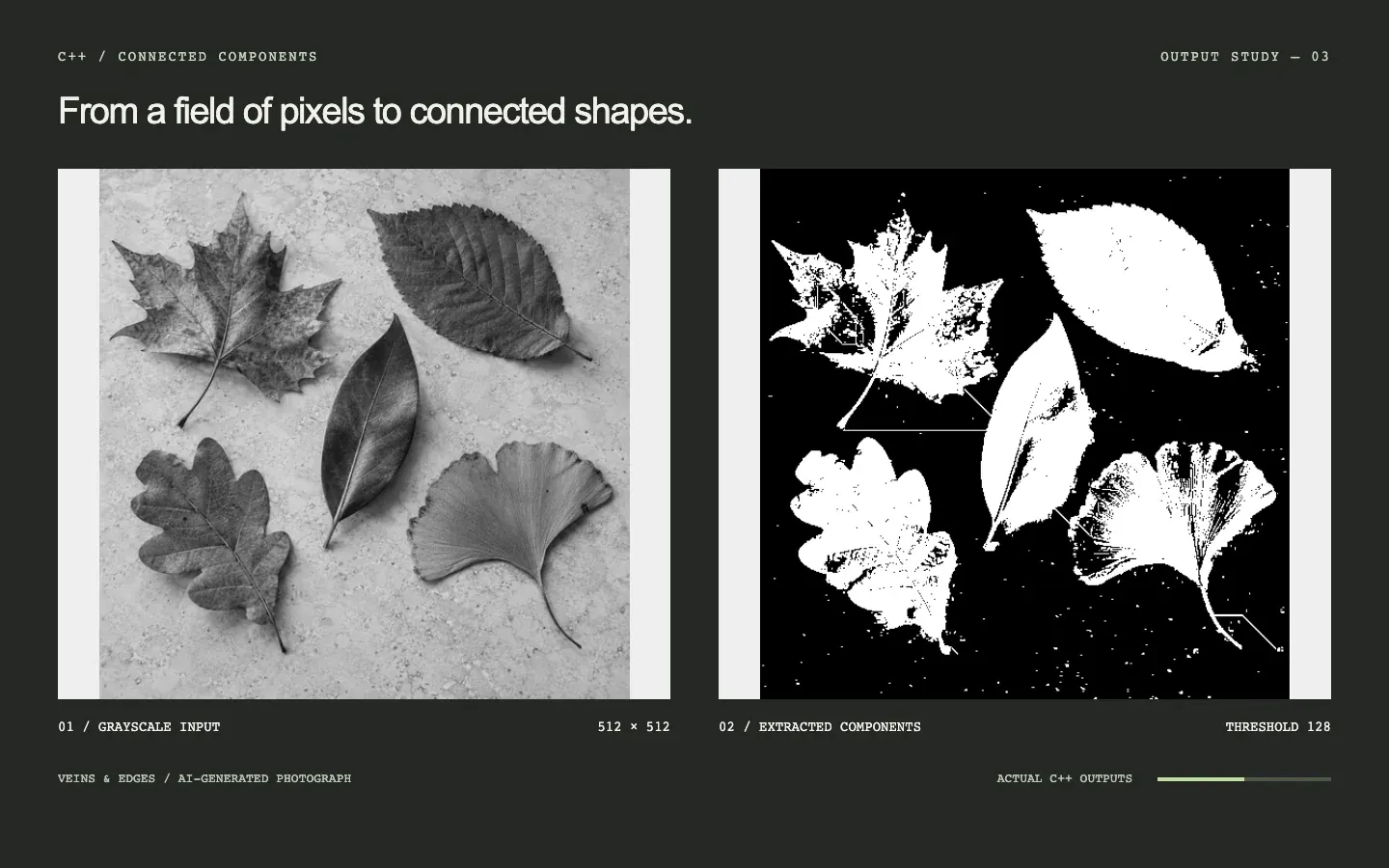
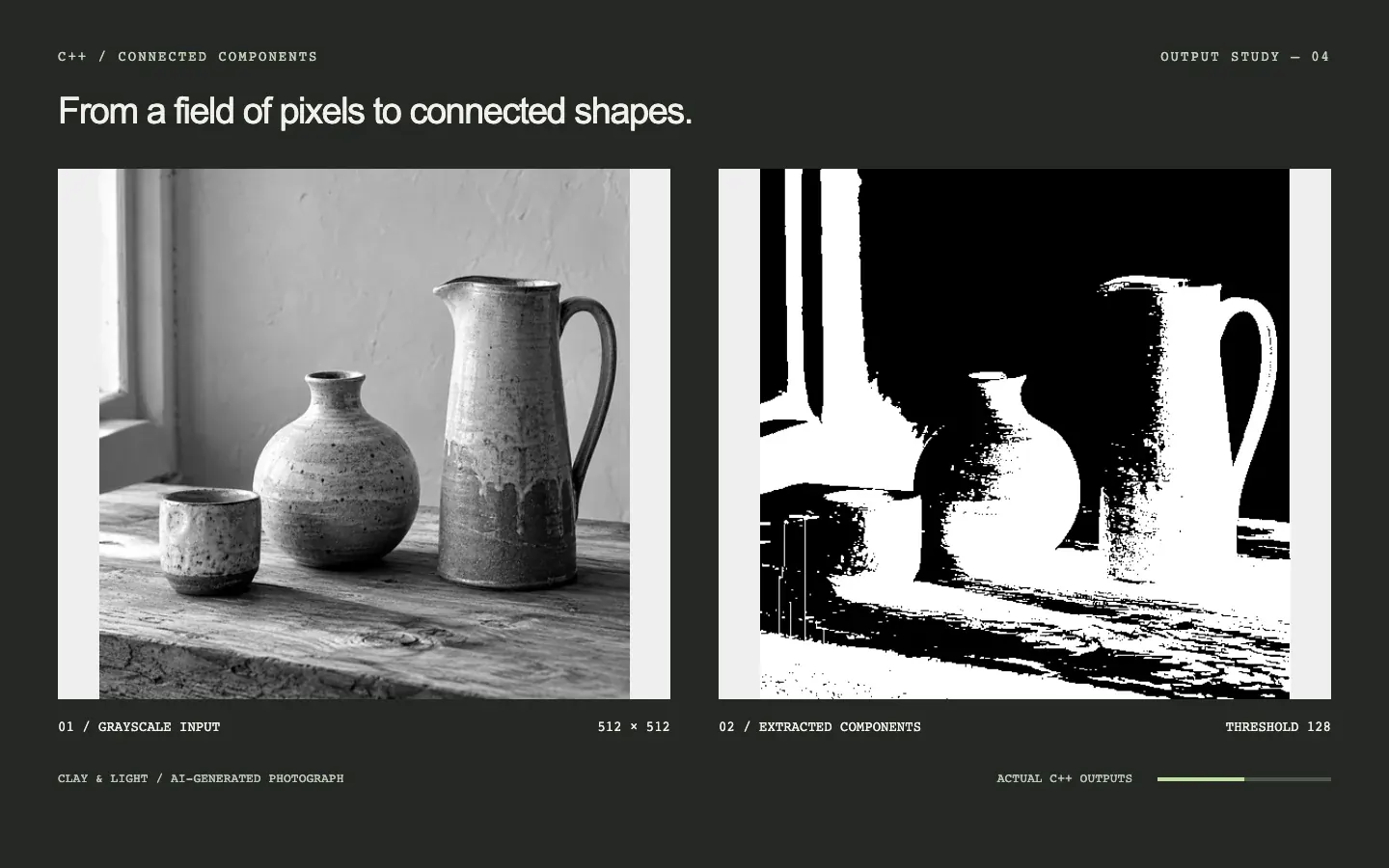
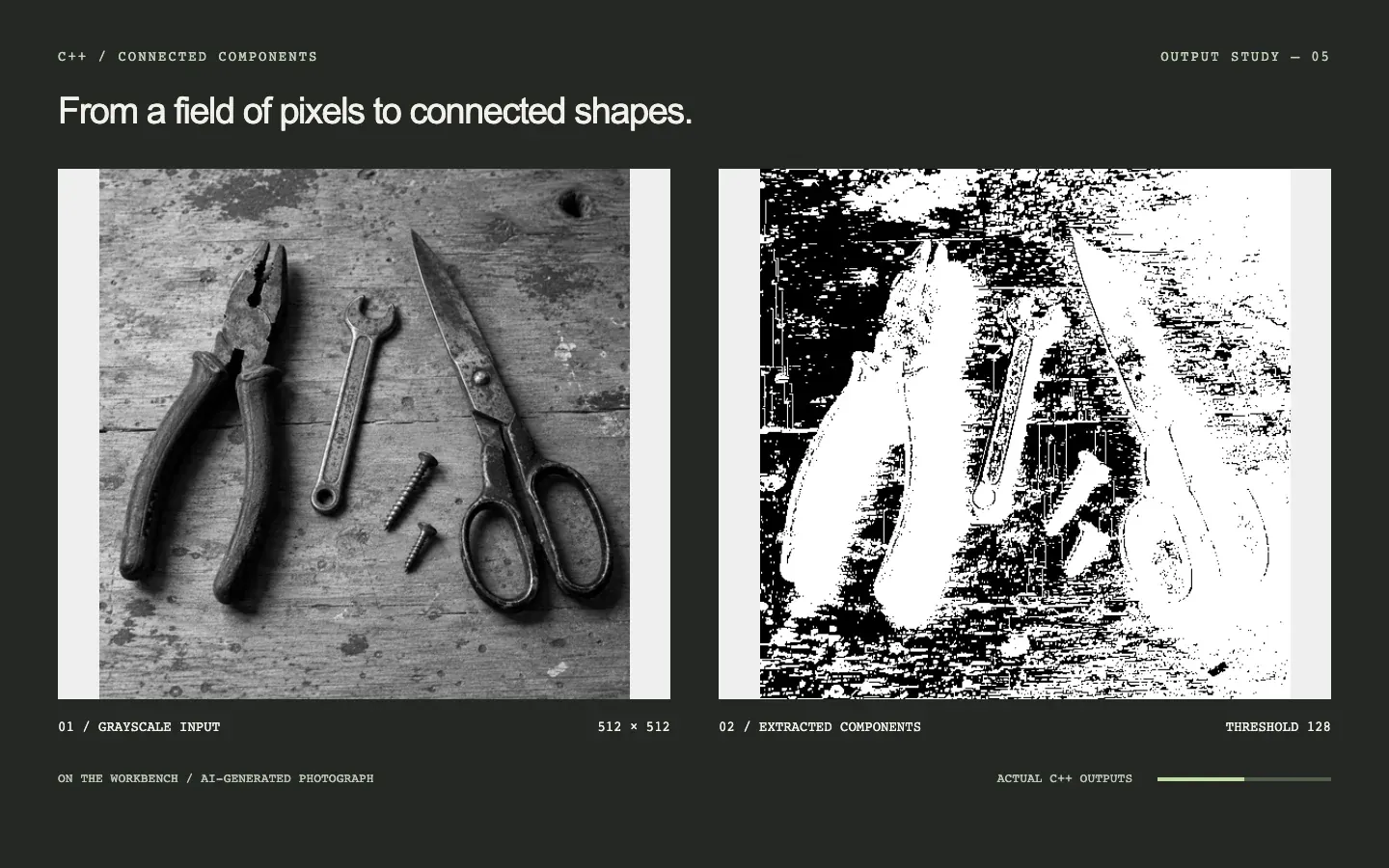
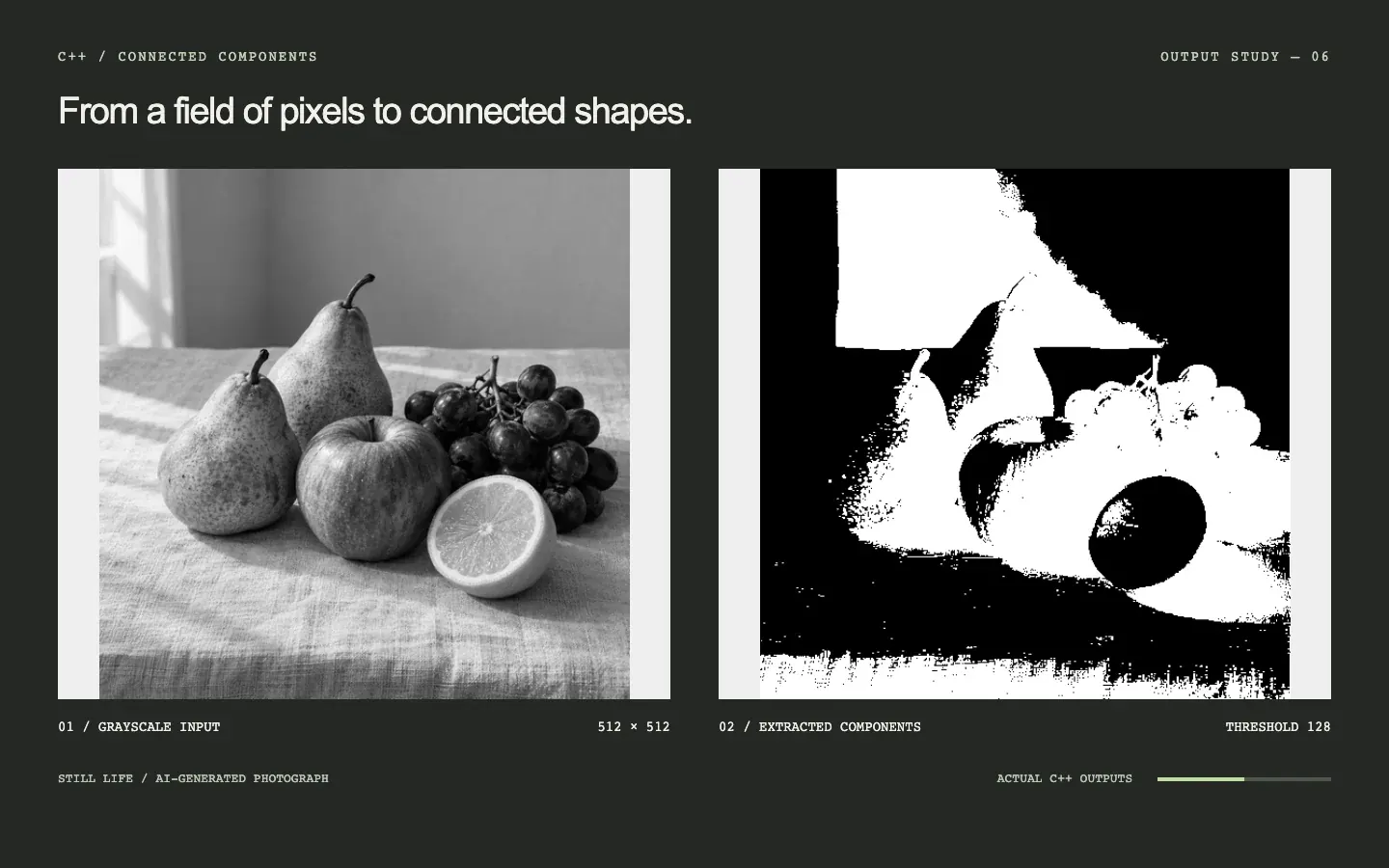
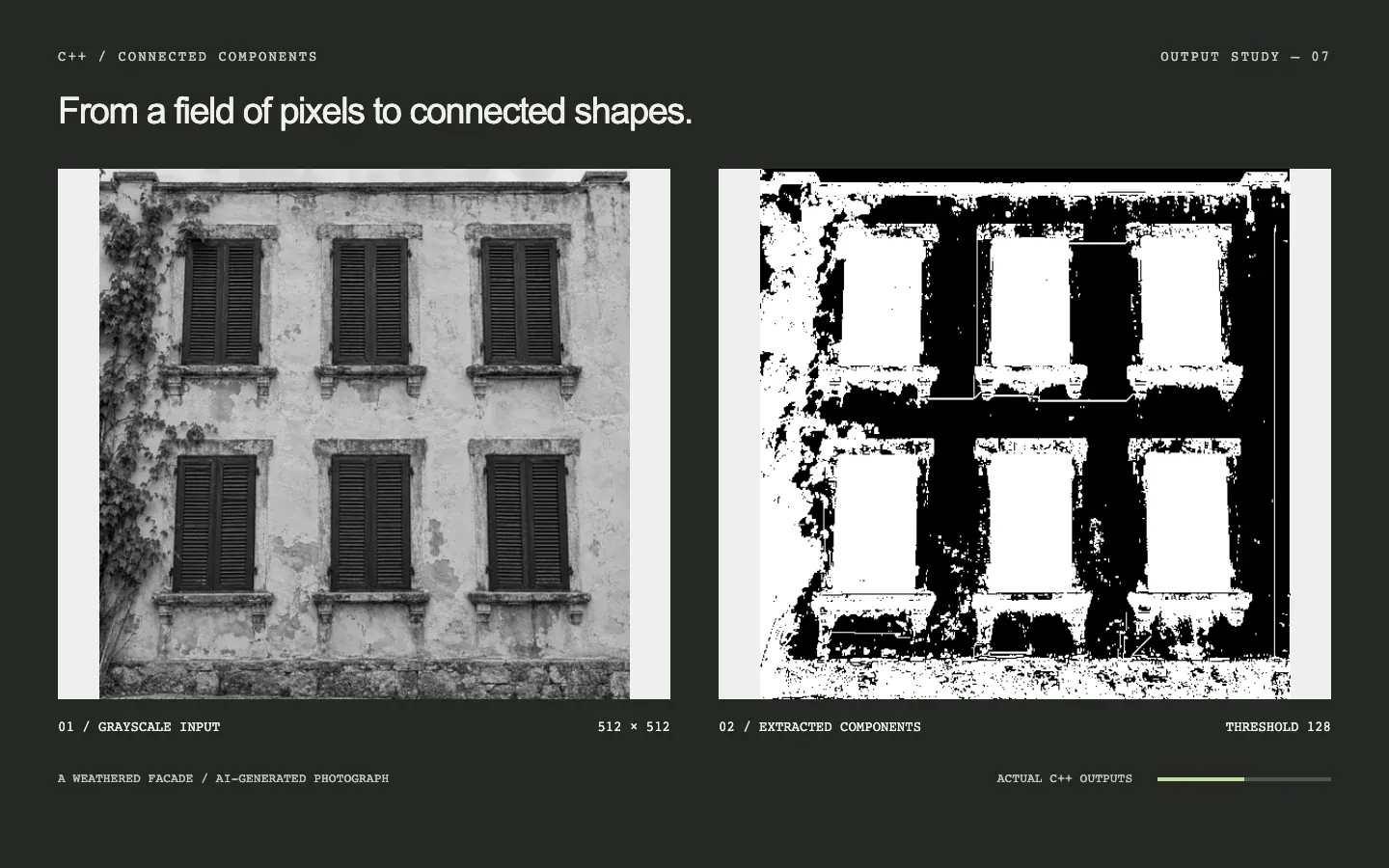
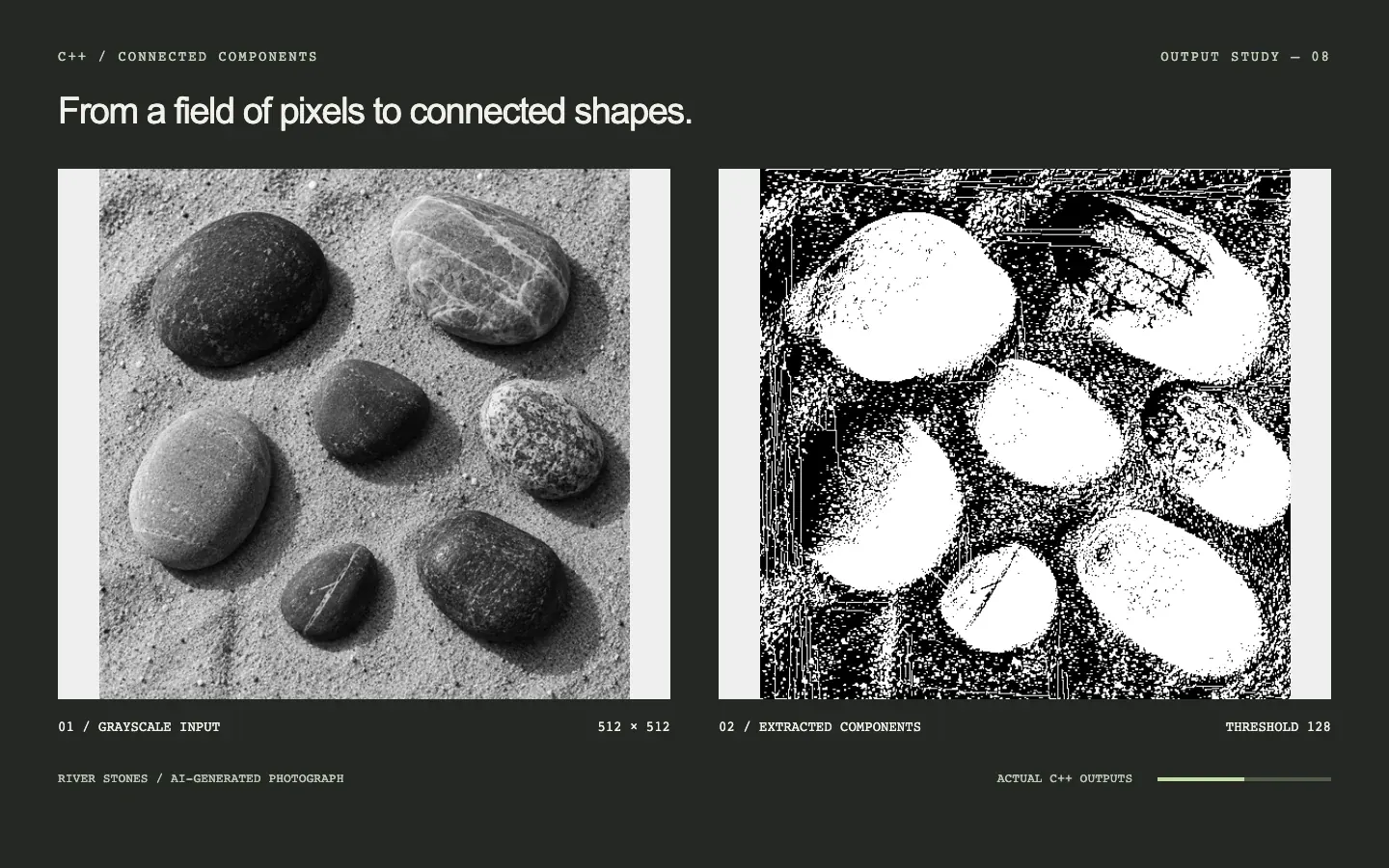
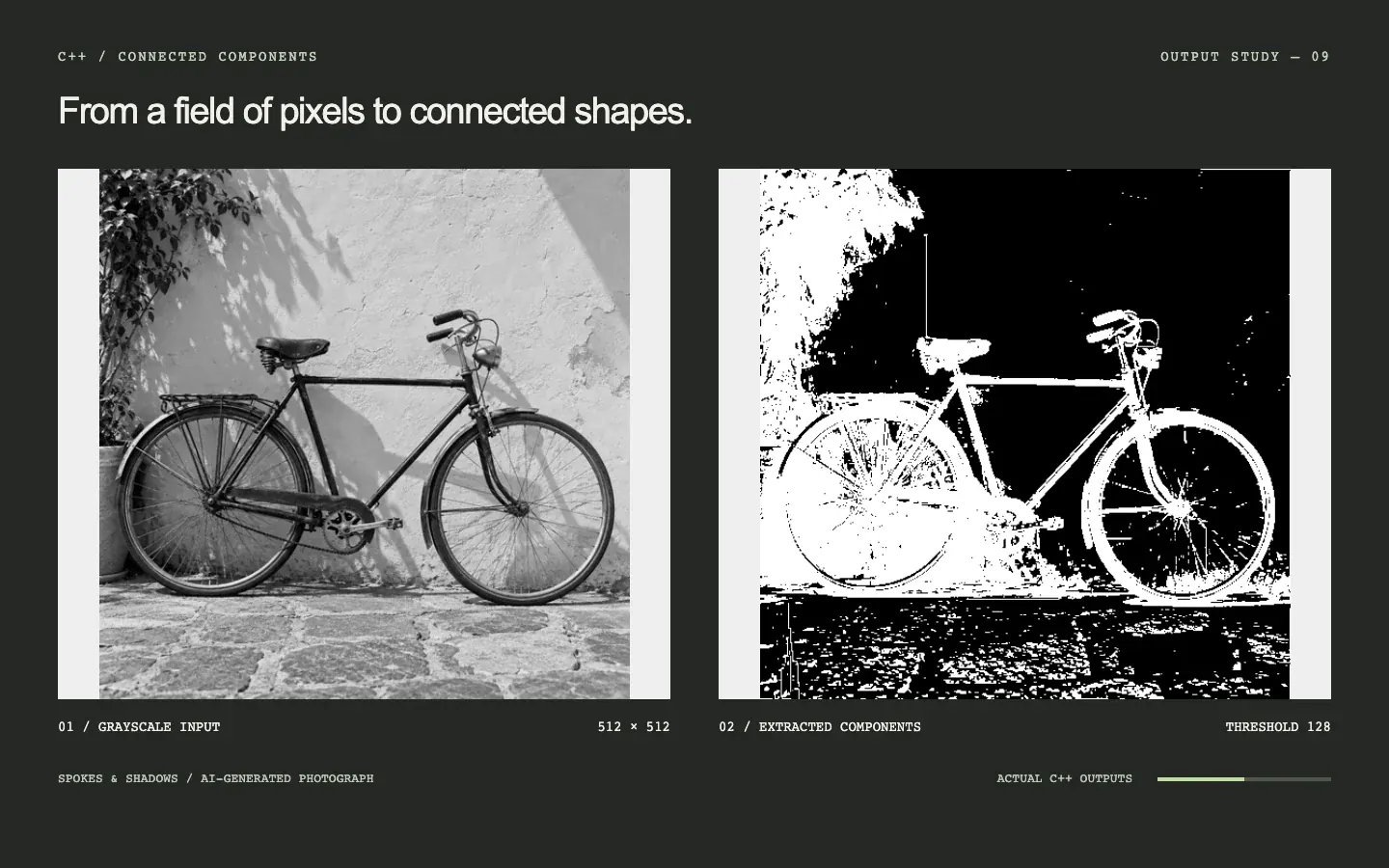
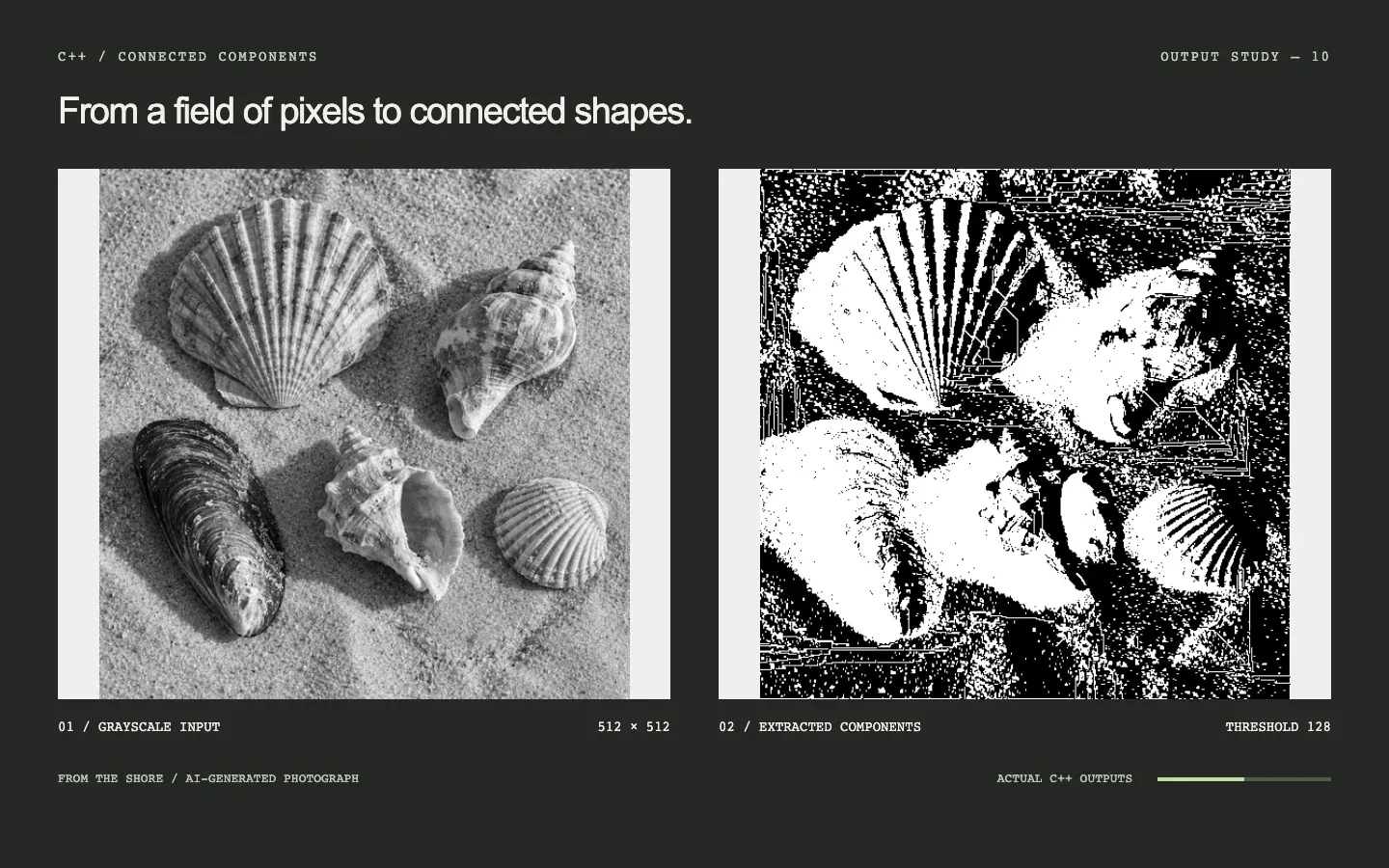
The source photographs are AI-generated and converted to 512 × 512 PGM files. Every output is produced by the C++ application at the displayed threshold. Invert colours switches to a second C++ export with foreground and background swapped. Component membership and playback time stay the same. Auto-next advances only after a film finishes; reduced-motion mode keeps navigation manual.
Pixels become a graph
The program reads a binary PGM image, applies an intensity threshold, and uses four-neighbor breadth-first traversal to build connected components. Each component keeps an identity and a collection of pixel coordinates.
Separate the responsibilities
The driver handles arguments, PGMimageProcessor owns image parsing and traversal, and ConnectedComponent represents a region. The project also explores copy and move semantics alongside explicit memory management.
PGM IMAGE → THRESHOLD → BFS FRONTIER → COMPONENTS
                           │
                   four neighbours
                       ↑
                     ← + →
↓An image becomes a collection of regions.
- 01 / entry point
driver.cpp
Parse threshold + output options
Construct PGMimageProcessor
- construct / load → 2. PGMimageProcessor
- 02 / class
PGMimageProcessor
read_from_file()
imageArray · rows · cols
- pixels + threshold → 3. extractComponents()
- 03 / traversal
extractComponents()
isValidPixel() → bfsAdd()
Queue · visited · four neighbours
- create / addPixel → 4. ConnectedComponent
- 04 / class
ConnectedComponent
componentId · pixelCount
vector<pair<int,int>> pixels
- collect → 5. components
- 05 / owned collection
components
vector<ConnectedComponent>
Region statistics / size filtering
- retained coordinates → 6. writeComponents()
- 06 / output
writeComponents()
Rasterize component coordinates
Write binary PGM
- 1driver.cpp PGMimageProcessorconstruct / load
- 2PGMimageProcessor extractComponents()pixels + threshold
- 3extractComponents() ConnectedComponentcreate / addPixel
- 4ConnectedComponent componentscollect
- 5components writeComponents()retained coordinates
Read from the implementation
driver.cppPGMimageProcessor.h / .cppConnectedComponent.h / .cpp
Thirteen thresholds, one photograph
Each film keeps the grayscale input beside actual output files while the threshold increases from 32 to 224 in steps of 16. Every frame comes from a separate native C++ run. The paired viewer is a capture aid for a command-line program, not a simulated segmentation or a native GUI.
Ten photographs, two output polarities
A portrait, coins, leaves, ceramics, tools, fruit, windows, stones, a bicycle, and seashells give the extractor recognizable subjects. These AI-generated photographs are converted to 512 × 512 PGM and processed at thirteen thresholds. A second C++ export swaps foreground and background without changing component membership. Switch colours during playback to compare the exact same threshold. Auto-next moves to the next study only after the current film finishes.
What the archive actually contains
The CLI advertises size filtering, but the checked-in predicate compares both bounds against the minimum and cannot implement the stated range. This is preserved as a learning project. The extraction approach is interesting; the archive is not presented as a finished image-processing library.